

TL;DR
A single video can be transformed into a complete publishing kit on your local machine—no cloud required. This approach offers better privacy, faster workflows, and full control over your content. It’s a game-changer for creators and operators who value ownership and speed.
Imagine finishing a video and then instantly having everything you need—titles, thumbnails, social snippets, blog drafts—ready to publish. No waiting, no uploading, no third-party servers handling your content. That’s the promise of a workflow that turns one video into a full publishing kit entirely on your own device.
In this article, I’ll explain what “without the cloud” really means, why it matters, and how a local-first system can streamline your publishing process, keeping everything under your control. You can explore more about this approach at This Is The Antidote.
Key Takeaways
- A complete publishing kit—from titles to social clips—can be generated entirely on your local machine, avoiding cloud dependence.
- Local-first workflows boost privacy, speed, and ownership, making them ideal for sensitive or proprietary content.
- The process involves analyzing your video’s audio and visuals, then auto-generating assets ready for review and publishing.
- Recent hardware and software trends favor all-in-one local devices that handle recording, analysis, and publishing without recurring fees. For more on this trend, see lifestyles in focus.
- While faster and more private, local workflows may require more hardware setup and can be less seamless for remote collaboration.
![WavePad Audio Editing Software - Professional Audio and Music Editor for Anyone [Download]](https://m.media-amazon.com/images/I/B1fcLEGCs6S._SL500_.png)
WavePad Audio Editing Software – Professional Audio and Music Editor for Anyone [Download]
- Professional Audio Editing: Record and edit music, voice, and audio
- Audio Effects: Add echo, noise reduction, reverb, and more
- Wide Format Support: Supports WAV, MP3, FLAC, OGG, and others
As an affiliate, we earn on qualifying purchases.
As an affiliate, we earn on qualifying purchases.
What does ‘without the cloud’ actually mean for your videos?
‘Without the cloud’ means processing, storing, and publishing your videos entirely on your local device. No third-party servers, no ongoing subscriptions—just your hardware doing the work. Think of it like owning a camera, not renting footage from a cloud service.
For example, instead of uploading raw footage to YouTube or Vimeo first, you generate every asset—thumbnails, descriptions, clips—inside your own system, then publish directly or export ready-to-upload files. This keeps your content private, reduces costs, and speeds up your workflow.
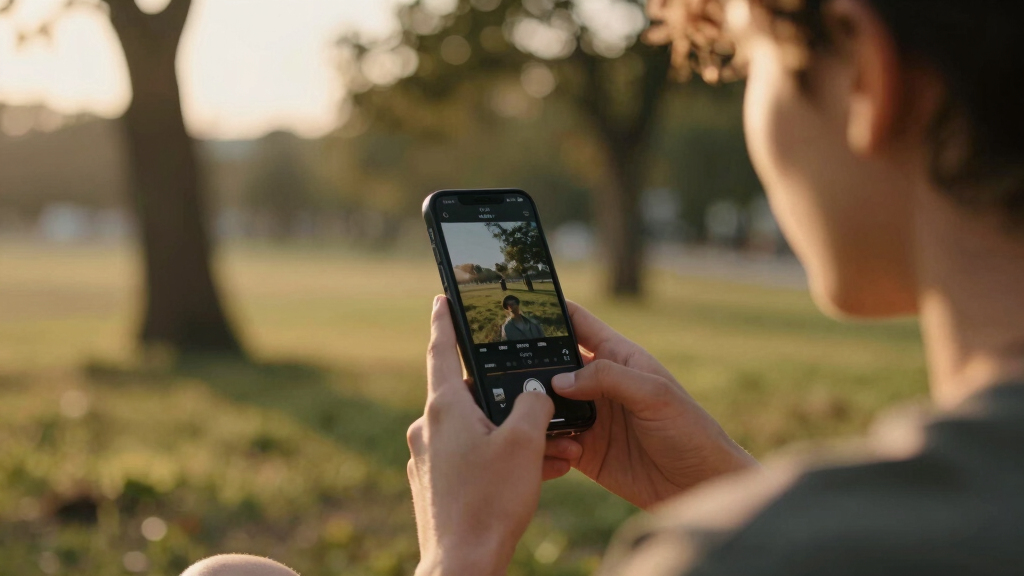
Why local-first publishing gives you real control and privacy
Local-first publishing keeps everything close to home—literally. Your media stays on your machine, not stored or processed in a cloud. This means you control who sees your content, how it’s shared, and when.
Take the case of a marketing team working with sensitive product videos. They can craft titles, descriptions, and social posts on-site, then publish without ever uploading to a third-party server. It’s faster, safer, and keeps proprietary info under lock and key.

What’s included in a local publishing kit? Think beyond just the video file
A publishing kit isn’t just the raw video. It typically includes: tools like ChannelHelm for generating a package with all these assets from one video, ready to deploy across multiple channels.
- Optimized titles and descriptions, scored for engagement
- Thumbnails and poster images, often AI-generated from key moments
- Short clips for social media, tailored for each platform
- Meta tags, keywords, and searchable captions
- Embeddable code snippets for websites
For instance, a platform like [ChannelHelm](https://channelhelm.com/) can generate a package with all these assets from one video, ready to deploy across multiple channels.
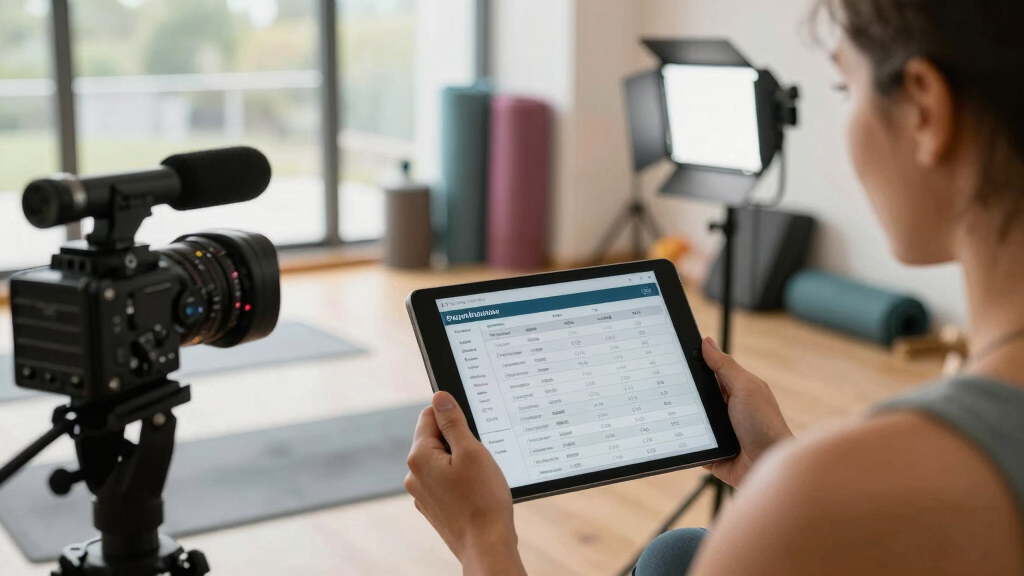
How a single video turns into a full publishing package — the process step-by-step
Here’s how it works in practice:
- Drop or link: Upload your video file or paste a URL from YouTube. The system detects the channel and metadata automatically.
- Analyze and fuse: Background AI transcribes speech, reads on-screen text, detects scene changes, and aligns all data into a unified timeline.
- Generate assets: Titles, descriptions, thumbnails, social clips, and blog drafts are automatically created, scored, and ready for review.
- Review and edit: You check each asset in a dedicated studio interface, make tweaks, regenerate parts if needed, and approve.
- Publish or export: Assets are dispatched directly to your website, social media, or saved locally for manual upload.
This process can be completed in minutes—making your workflow faster and more efficient.
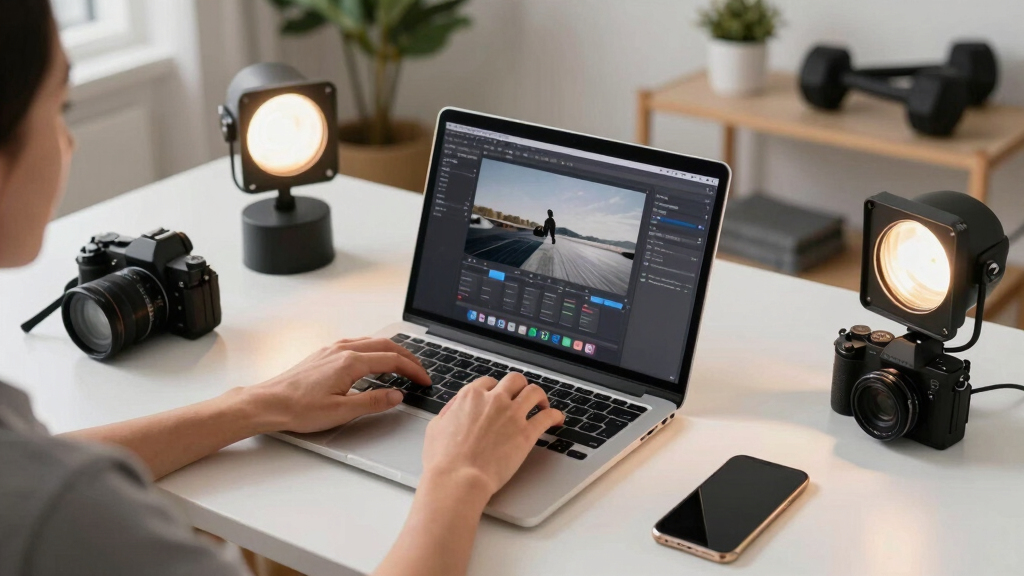
Benefits and tradeoffs of a local, cloud-free workflow
Choosing a local-first system means better privacy, instant asset generation, and no ongoing fees. You own your data, and you’re not dependent on internet speed or third-party services.
However, it’s not perfect. Without the cloud, collaboration can be trickier, and scaling up might require more powerful hardware. Plus, remote access isn’t as seamless—if you want to work from anywhere, some setup is needed.
For example, a surveillance operation using a local system can instantly analyze footage, generate alerts, and publish clips—all without uploading sensitive data to the cloud.

Market trends: Why more creators and businesses are going offline
Recent trends show a growing shift towards local processing. Hardware vendors now offer all-in-one devices that combine recording, analysis, and publishing—think of a powerful NAS or dedicated video server that handles everything on-site [3].
Many users prefer no ongoing fees, full control, and faster turnaround times. Local AI processing is also becoming smarter—detecting objects, generating searchable metadata, and even advising on content edits, all without sending data to the cloud.
This shift is especially prominent in surveillance, where privacy concerns dominate and on-device analysis is a must. But the same principles are reshaping content creation as well. Learn more at Help Zentrum.
Frequently asked questions about local, cloud-free publishing systems
- What does ‘without the cloud’ really mean? It means all processing, storage, and publishing happen on your own hardware, without relying on third-party cloud services.
- What does the publishing kit include besides the video? Titles, descriptions, thumbnails, clips, embed codes, and metadata—all generated locally.
- Is this meant for marketing videos, surveillance footage, or both? Both. The approach works for any video where privacy, speed, and control matter.
- How does local publishing work step-by-step? Upload, analyze, generate assets, review, and then publish or export—done on your device.
- Can I embed videos without uploading to third-party sites? Yes. You can generate embed codes or export files for manual upload, maintaining full control over your content.
Frequently Asked Questions
Can I use this system for live video feeds or only pre-recorded videos?
While most systems focus on pre-recorded content, some advanced setups support live analysis and clipping, but full publishing kits are typically for recorded videos.
What hardware do I need to run a complete local publishing workflow?
A powerful enough PC or server, preferably with GPU acceleration, enough storage, and a stable local network. Some solutions come as dedicated hardware appliances designed for this purpose.
Does using a local system mean I lose access to cloud-based features like remote collaboration?
Yes, unless you set up remote access to your local system. Local-first emphasizes control and privacy, but may require additional steps to enable remote workflows.
Are there any ongoing costs or subscription fees for local publishing tools?
Many are sold as one-time licenses or open-source projects, meaning no recurring fees. Always check the licensing model before committing.
How secure is my content if I keep everything local?
Very secure, since your data stays on your hardware. The main risks are physical security and network vulnerabilities, but no external providers have access.
Conclusion
Moving your video publishing into a local environment isn’t just about avoiding the cloud; it’s about reclaiming control. Your content, your rules, your speed. When you can produce a full set of publishable assets from a single source on your own device, you’re stepping into a new level of independence.
Imagine a future where every piece of your content is crafted, refined, and published without ever leaving your local environment. It’s faster, safer, and more personal. Are you ready to make that shift?